KLink AI
Local AI and cloud AI, in one place.

KLink AI

Use the same AI setup on your computer and phone.

Connect Ollama, LM Studio, OpenAI, and more on your computer. Then scan a QR code to keep chatting from your phone.

Planned platforms
Apple macOS Windows Linux Linux Apple iOS Android Android
Writing assistant Local Computer

What can KLink AI do?

KLink AI connects your computer, phone, and favorite AI tools. You choose the model. KLink AI keeps it organized.

Computer
KLink AI
Models
Message KLink AI...

The public release is in preparation

There is no installer to download yet. Desktop builds come first, with mobile apps planned next.

Current status

Desktop builds are being packaged and tested

When the first release is ready, this page will show official downloads, system requirements, version details, and checksums.

In preparation
Apple
macOS
Apple Silicon, Intel
Preparing
Windows
Windows 10 1903+ (64-bit)
Preparing
Linux
Linux
AppImage (x64), DEB (x64)
Preparing
Apple
iOS
iOS 15.0+
Planned
Android
Android
Android 8.0+
Planned
Before launch, KLink AI will not present an installer button that leads to an unavailable file.
Getting started

Three simple steps to start

KLink AI handles the connection so you can focus on choosing an AI and chatting.

1

Set up AI on your computer

Connect a local model such as Ollama or LM Studio, or add a cloud AI service.

2

Scan to connect your phone

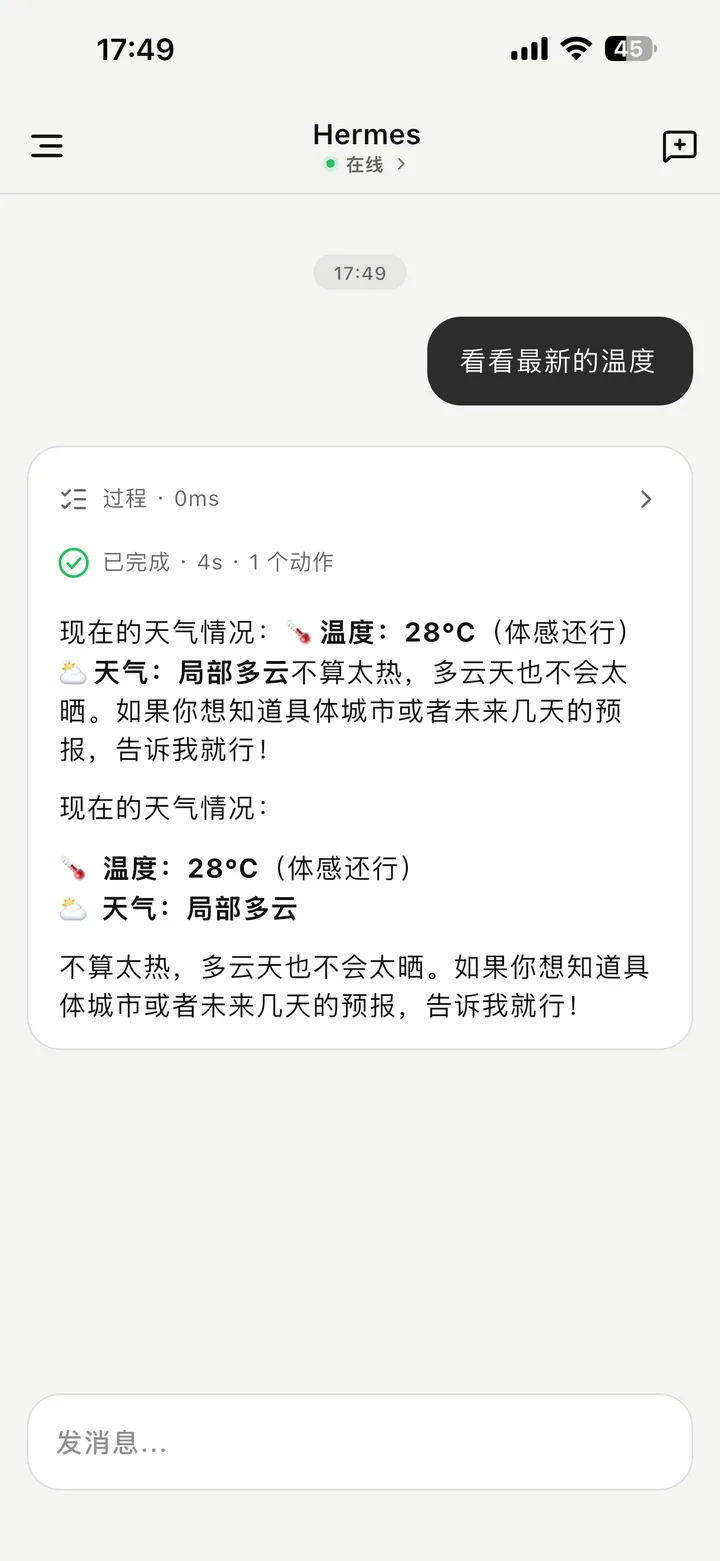
Open the QR code on your computer and scan it from KLink AI on your phone.

3

Chat and review important actions

Choose a model, keep your history together, and approve sensitive actions before they run.

Connect the AI services you already use

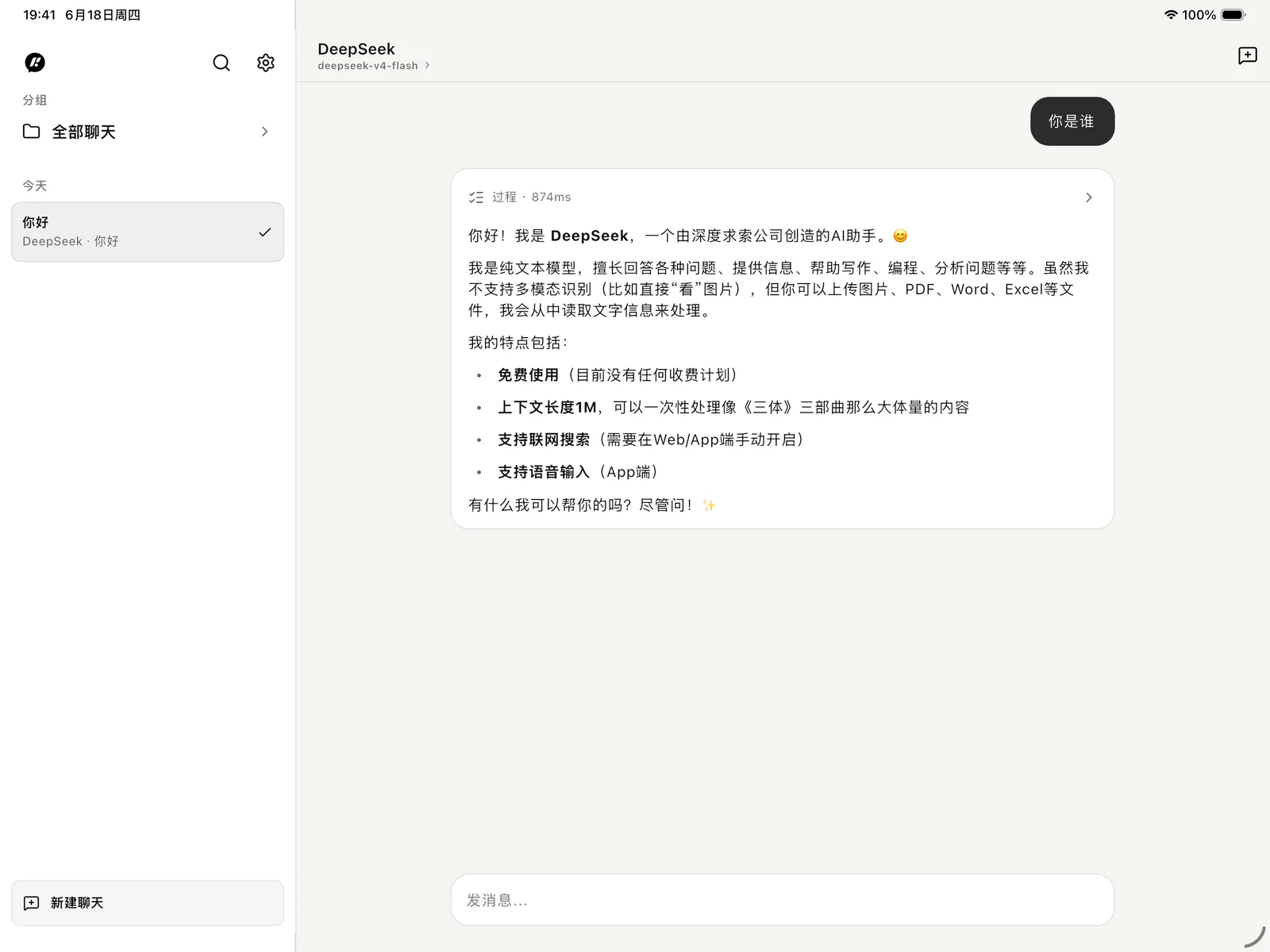
Hermes OpenAI DeepSeek Ollama LM Studio OpenAI-compatible

Local models and cloud services can live side by side. You choose one for each chat.

How it works

Your computer keeps everything connected

KLink AI gives you one clear interface without hiding where each request goes.

KLink AI app

Where you chat, choose a model, view history, and review confirmations.

C Your computer

Keeps the connection open and securely routes each chat to the AI you selected.

Models and services

Ollama, LM Studio, OpenAI, DeepSeek, Hermes, and compatible services.

You choose where data goes

Keep things on your own network, or use cloud AI when you want it.

Easy to switch

Try different models without rebuilding your whole setup.

Made for real devices

Desktop and mobile work together from the start.

One place for the AI you already use.

The first public desktop builds are being prepared now.